Choose what learners can do with a part
Goal: decide how a part behaves once a learner has taken it from the board: whether it can be grabbed, resized, or falls to the floor.
Steps
-
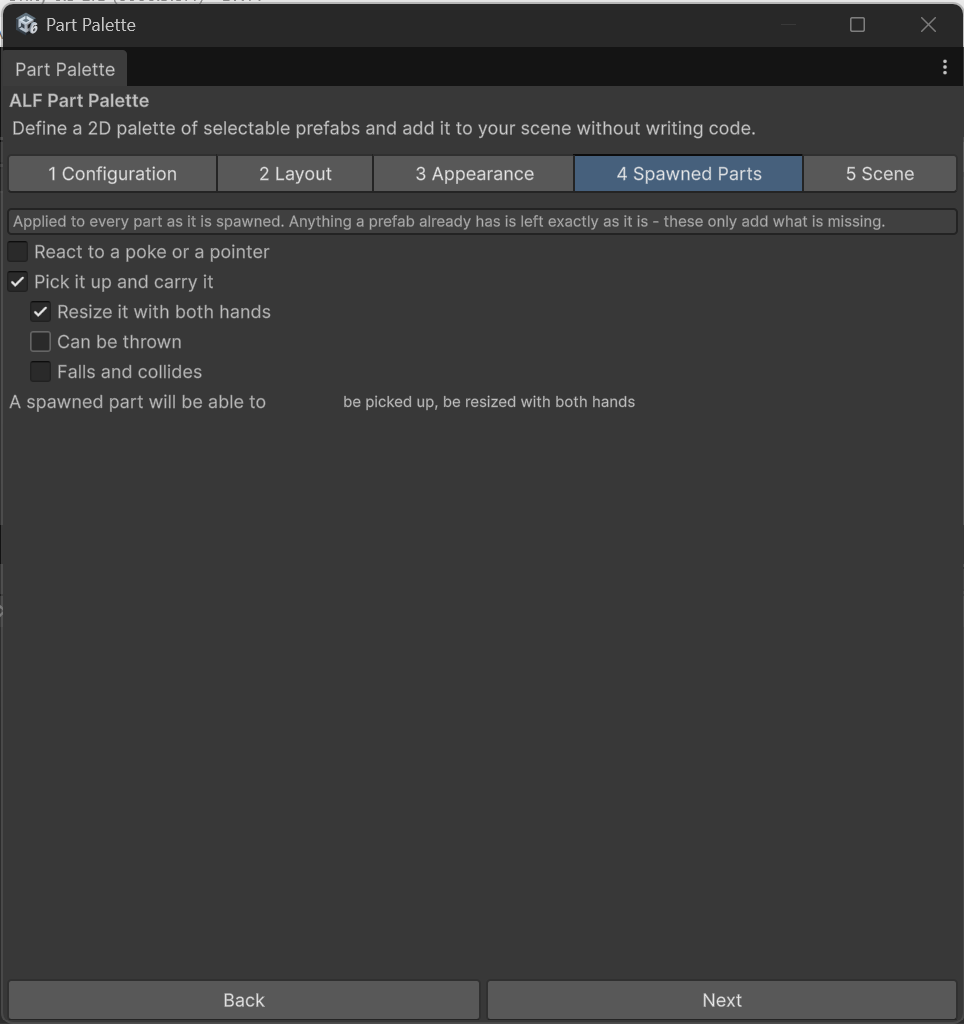
Open step 4 Spawned Parts.
-
Choose the settings. They apply to every part on this palette.
-
If the board is already in the scene, the change applies the next time you press Play.
The default suits most lessons: the part can be grabbed, it can be resized with both hands, and it floats where it appeared instead of falling.
Why one setting for the whole palette?
A box of components is a box of components. Forty sets of settings, one per part, would be forty chances to set one differently by accident.
Parts that already have their own setup
If a part's prefab was already built to be picked up in a particular way, that setup is kept. The settings in step 4 only add what's missing.