Update or remove a guidance sequence
Change an existing sequence
-
Open the scene.
-
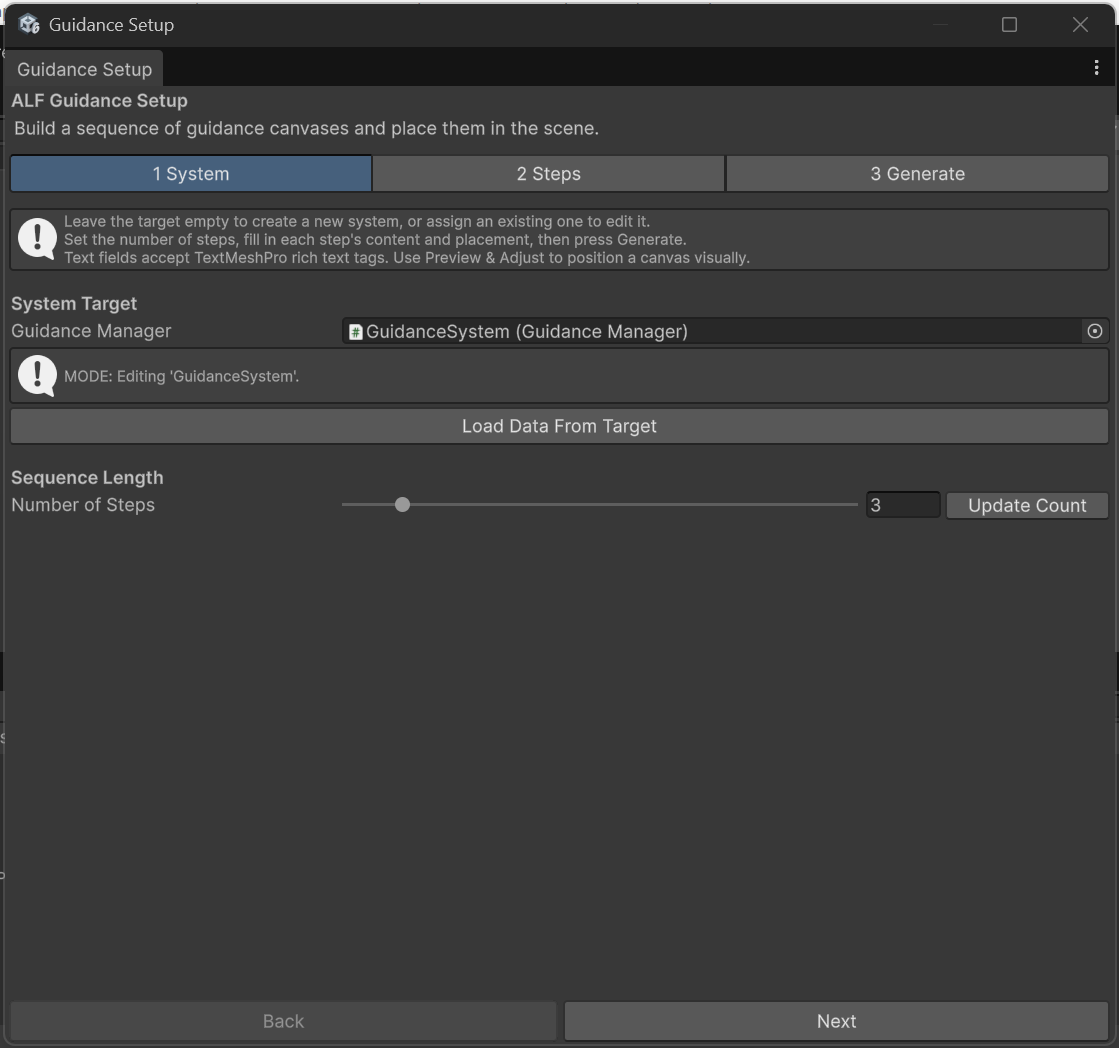
Open ALF > Guidance Setup Tool. It finds the sequence in the scene and loads its steps. Tab 1 System shows MODE: Editing followed by the sequence's name.
-
Make your changes in tab 2 Steps.
-
In tab 3 Generate, press Update Existing Guidance System.
-
Save the scene with Ctrl+S.
Start again from what's in the scene
If your changes in the tool went wrong, press Load Data From Target in tab 1 System. It throws away the changes you haven't generated yet, and reloads the steps from the scene.
Remove the sequence
-
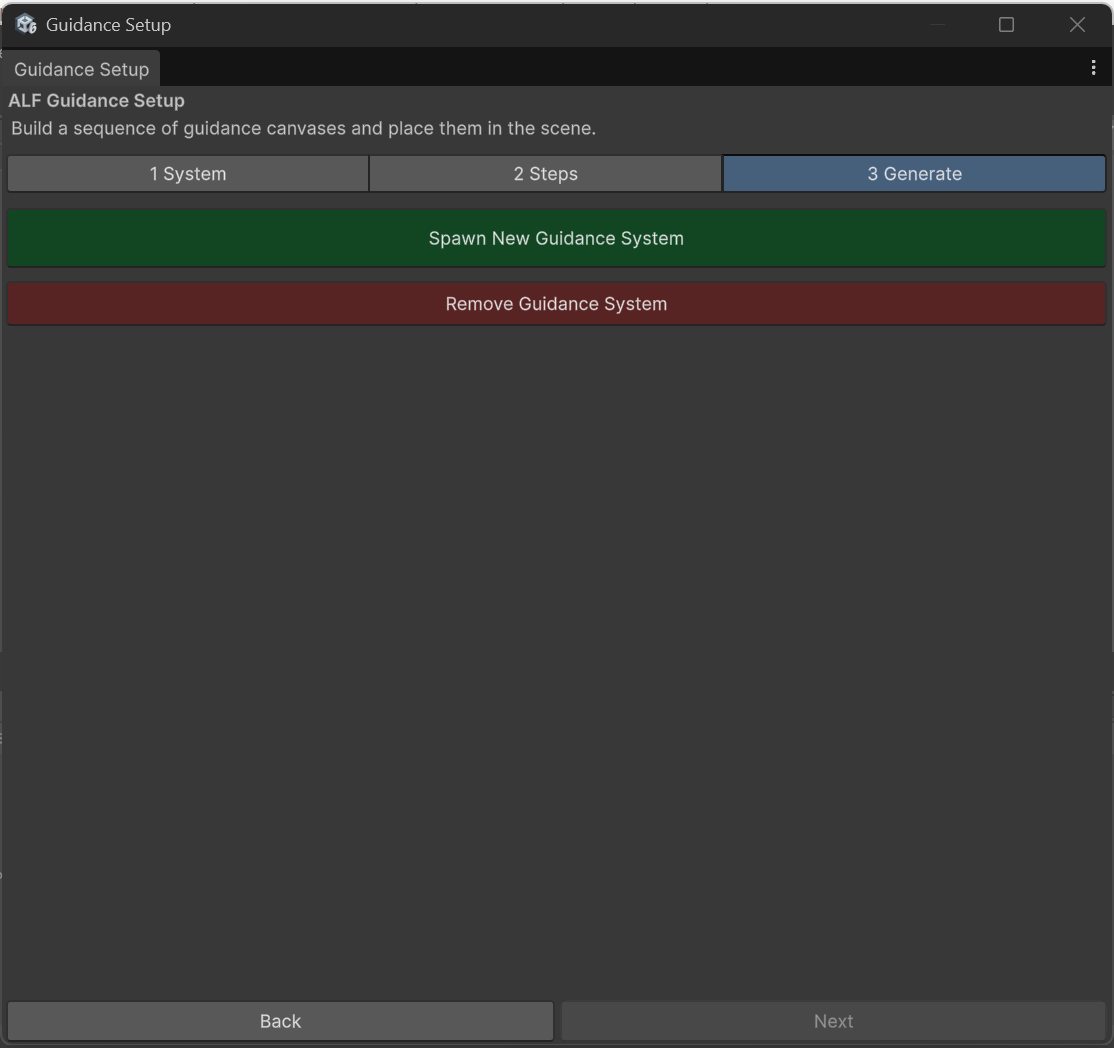
In tab 3 Generate, press Remove Guidance System.
-
Confirm with Yes, Remove.
-
Save the scene with Ctrl+S.
This deletes the panels and the places they appeared at. Objects you chose yourself as a Spawn Point Target or Attachment Target are kept.
Good to know
- Switching to Scenario Setup later? Open ALF > Scenario Setup Tool in the same scene. It picks up your existing panels, so you can add room changes and other ways to finish a step.