Open the model at a lesson step
Goal: make the model come apart automatically when the lesson reaches a certain step, and go back together when the learner leaves that step.
Steps
-
Select the exploded view in the list on the left.
-
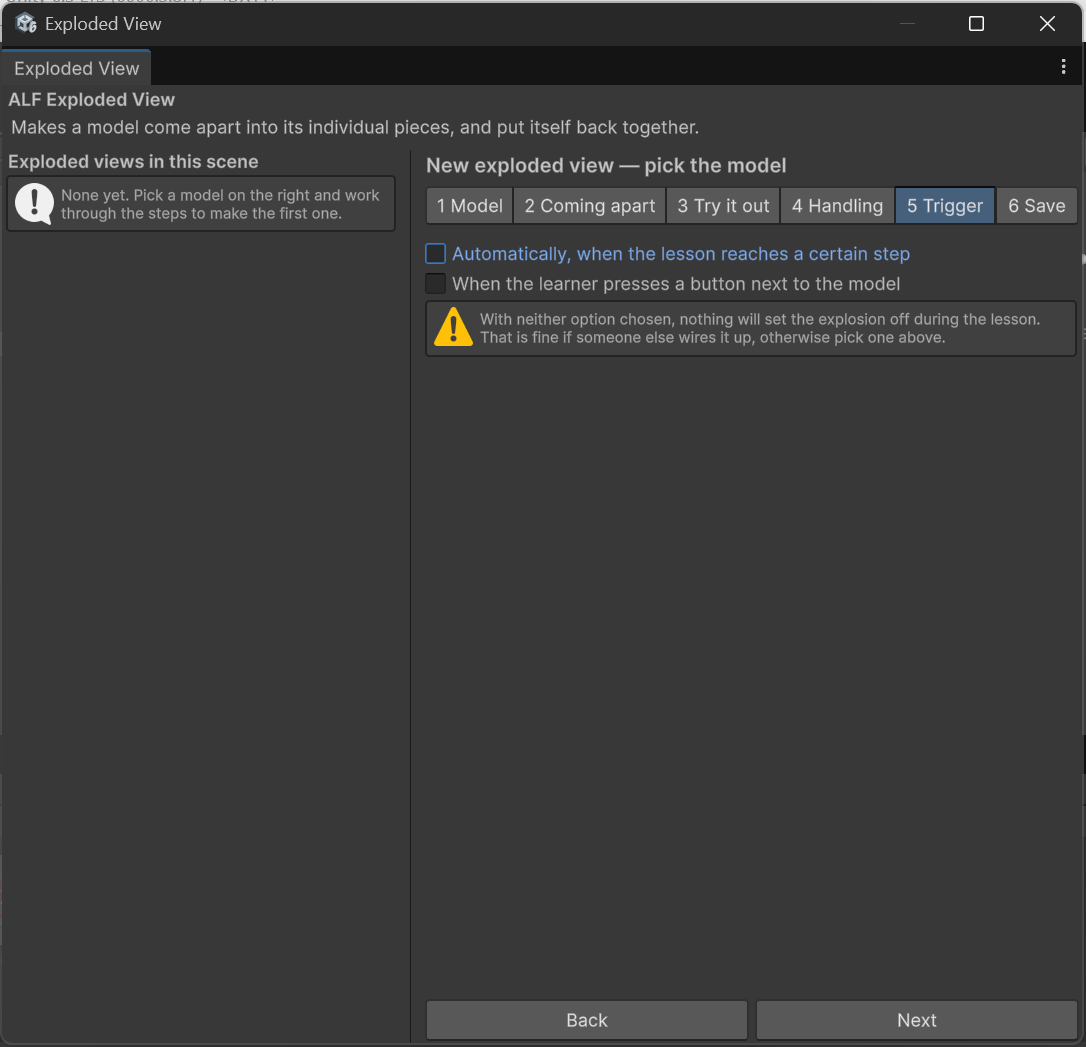
Open step 5 Trigger and choose a lesson step.
-
Pick the lesson step that should open the model.
-
In step 6 Save, press Save into the scene, then save the scene with Ctrl+S.
Result
| In the lesson | The model |
|---|---|
| The learner presses Next and reaches the step | comes apart |
| The learner presses Previous and leaves the step | goes back together |
Good to know
- You can use a lesson step and a button together. See Add a button that opens the model.
If you edit the lesson in the Scenario Setup Tool afterwards
The exploded view is added to the lesson step's list of objects to switch on. Before you regenerate the lesson in the Scenario Setup Tool, press Load Data From Targets there. Otherwise the connection is lost and the model no longer opens at that step.