Add the guided lesson
Goal: add step-by-step predictions and measurements, in English and German, that lead learners through the experiment.
The ready-made lesson
The showcase lesson has ten steps:
- Electric field laboratory (welcome)
- Predict a single-charge field
- Measure the single-charge field
- Reverse the test charge
- Predict two like charges
- Measure like-charge superposition
- Predict a dipole
- Measure the dipole
- Explain the evidence
- Free exploration
Measuring steps ask learners to run a scan. They still decide themselves when to press Next, and all controls stay available, so they can experiment along the way.
Steps
- Create the lab first. See Create a lab.
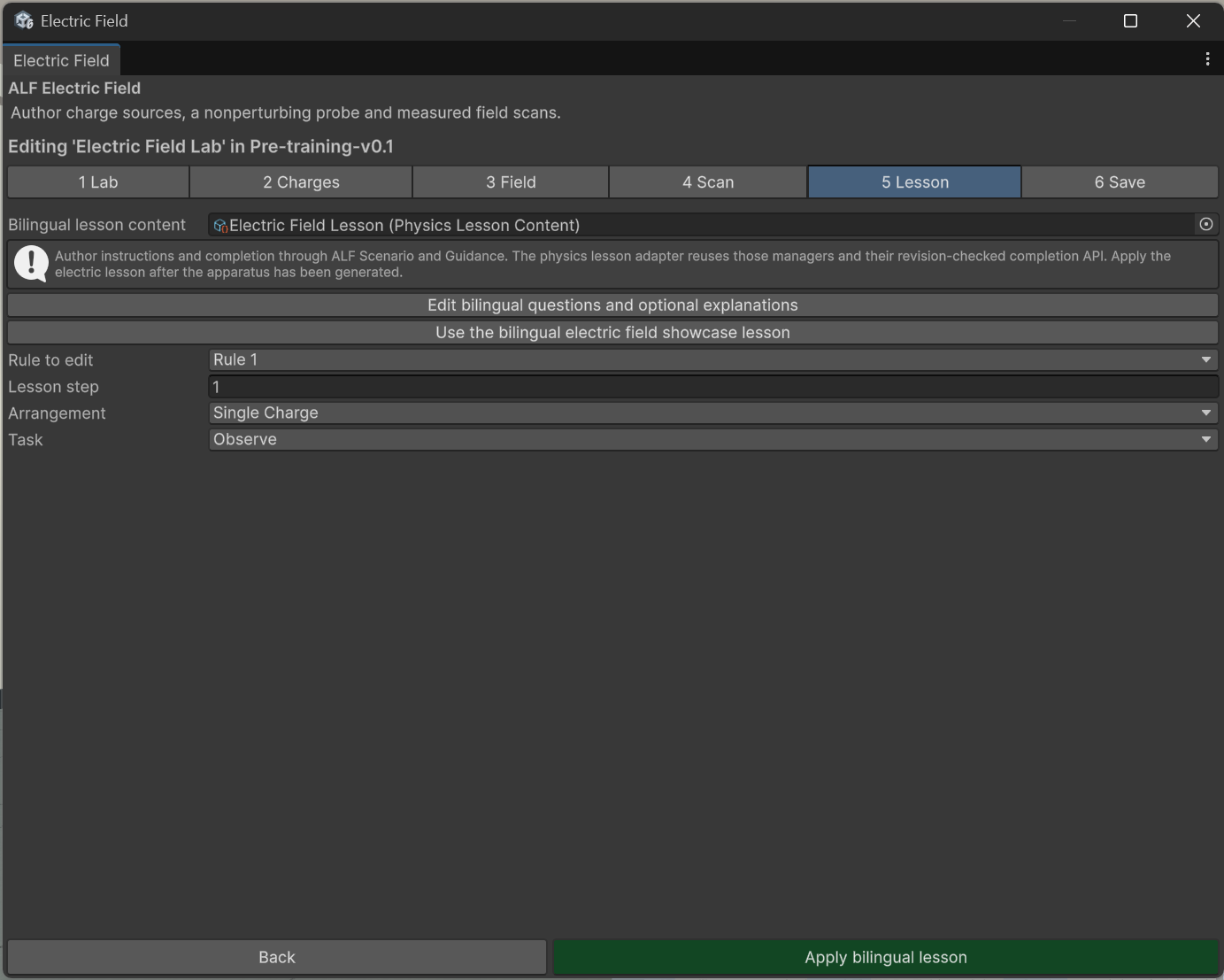
- In step 5 Lesson, press Use the bilingual electric field showcase lesson, or choose your own lesson file under Bilingual lesson content.
- To change the questions, press Edit bilingual questions and optional explanations. Edit the English and German text of each step.
- Under Rule to edit, check which Lesson step uses which arrangement and task.
- Press Apply bilingual lesson.
- Save the scene with Ctrl+S.
Result
The lab gets a guided lesson with language controls, so learners can switch between English and German. The lesson's steps are written into the scene like any lesson from Scenario Setup.
More languages
The lab comes with English and German. To add more languages, press Enable runtime localization for this lab in step 5, then Open Localization & Translation Tool. See Let learners switch languages.
Good to know
- The questions are saved in a separate lesson file in the project, so several labs can share them.
- Apply the lesson after the lab. Create and apply the lab first, then the lesson.
- One lesson per scene. The lab uses the scene's lesson steps.
- The lab's texts aren't part of Text Import & Export's file export. Edit them here, or use runtime localization.